Renter-Friendly Smart Home Ideas (No Wiring, No Drilling)
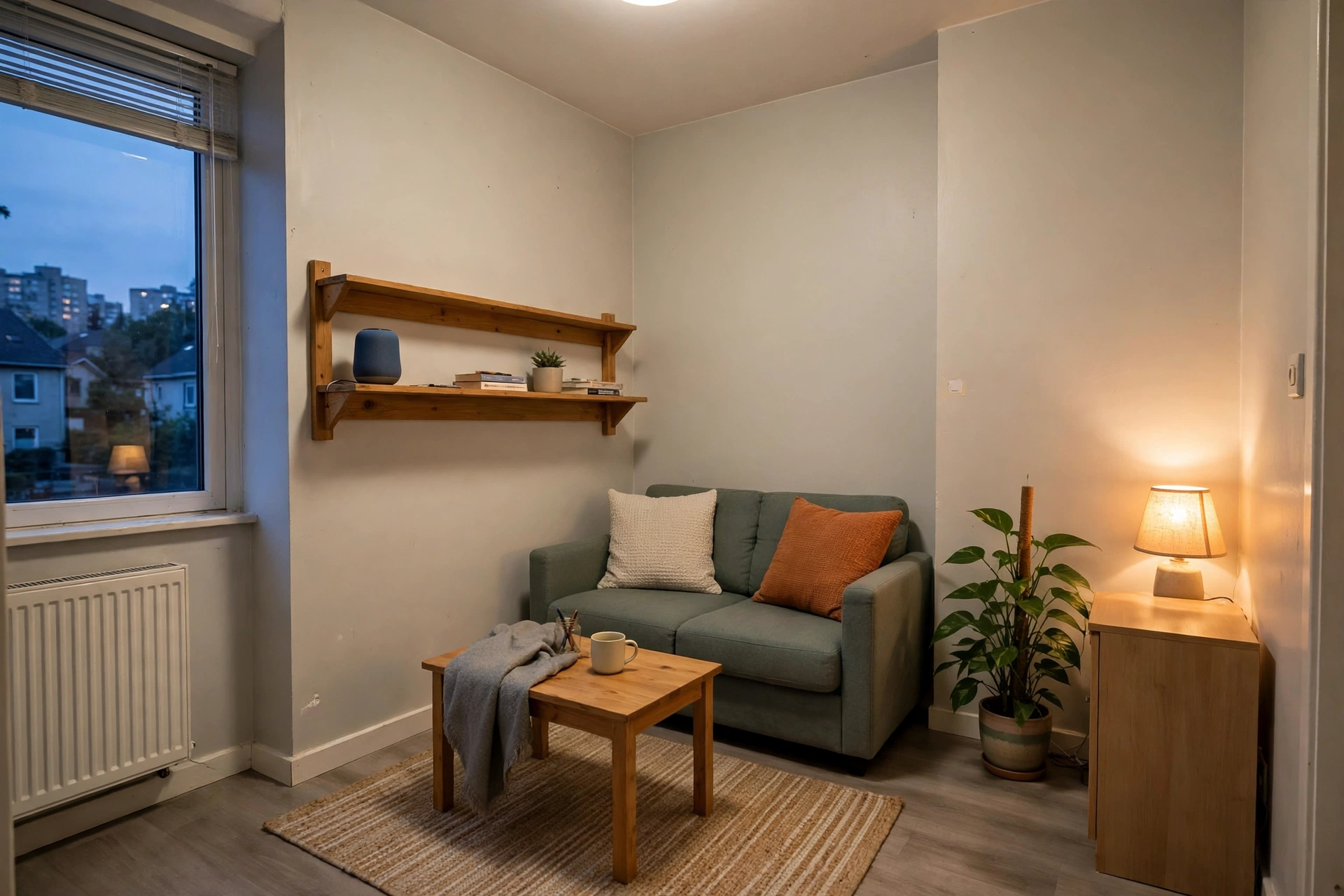
These renter friendly smart home ideas follow one test: the device must install with hands only and leave with the renter, returning the flat to day-one condition. No wiring, no drilling, no changed fixtures. That single rule sorts the whole smart-home market into two piles — the large pile that works in a rental, and the rest, which stays on the shelf until a lease allows it or a landlord agrees in writing.
The good news is that the rental pile is no longer a compromise. Plug-in, battery-powered, and retrofit devices now cover lighting, security, climate, and voice control, and every one of them unplugs, peels off, or unclips at move-out. Build in the order below — rules first, then plugs, light, sensors, climate, and locks — and the system stays simple enough to actually live with.
The Renter Rules First
Before buying anything, read the lease for three things: rules about changes to fixtures, rules about cameras and door hardware, and rules about shared or outward-facing areas. If a device touches wiring, plumbing, or door hardware, it belongs in the ask-first pile, not the buy-now pile. Everything else in this guide — plugs, bulbs, battery sensors, plug-in climate controllers — installs without tools and reverses without repair.
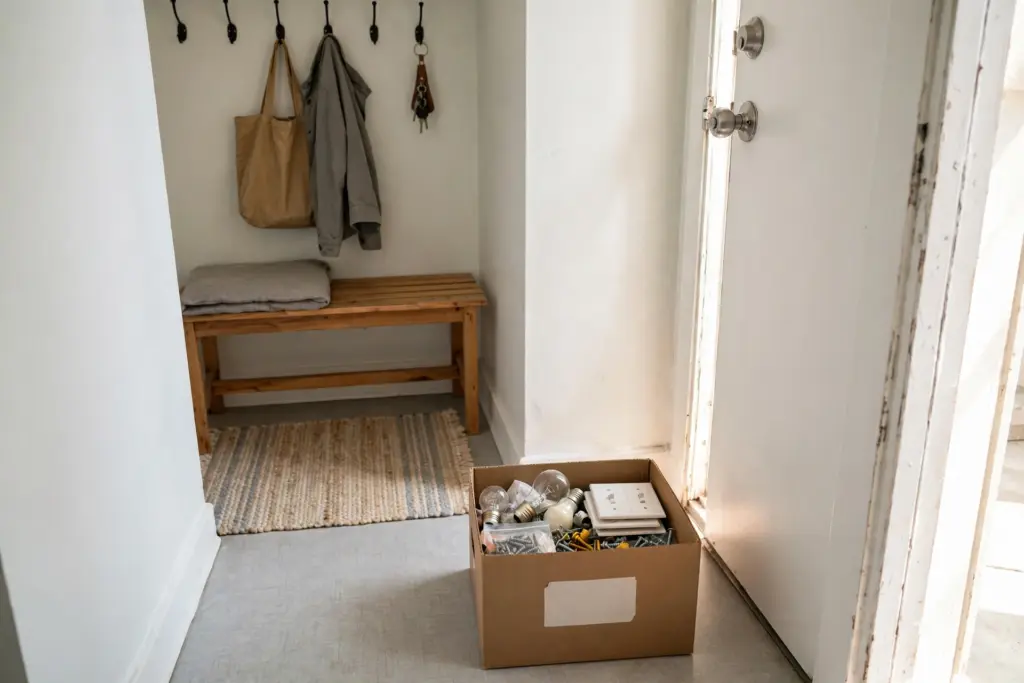
Two habits protect the deposit from day one. First, keep every original bulb, switch plate, and fitting in one labelled box, so move-out day is a swap-back, not a shopping trip. The same give-everything-a-home discipline drives these small apartment storage ideas, and it applies to gadgets as much as to clothes. Second, test every adhesive mount in a hidden spot first: removable adhesive can still mark some paints on removal, so a test patch beats a wall repair. Decor & Haven’s renter smart-home guide makes the same starting point — devices that plug into an outlet, screw into a lamp, or sit on a shelf — and the same warning to check the lease for camera and shared-area rules.
Start With Smart Plugs
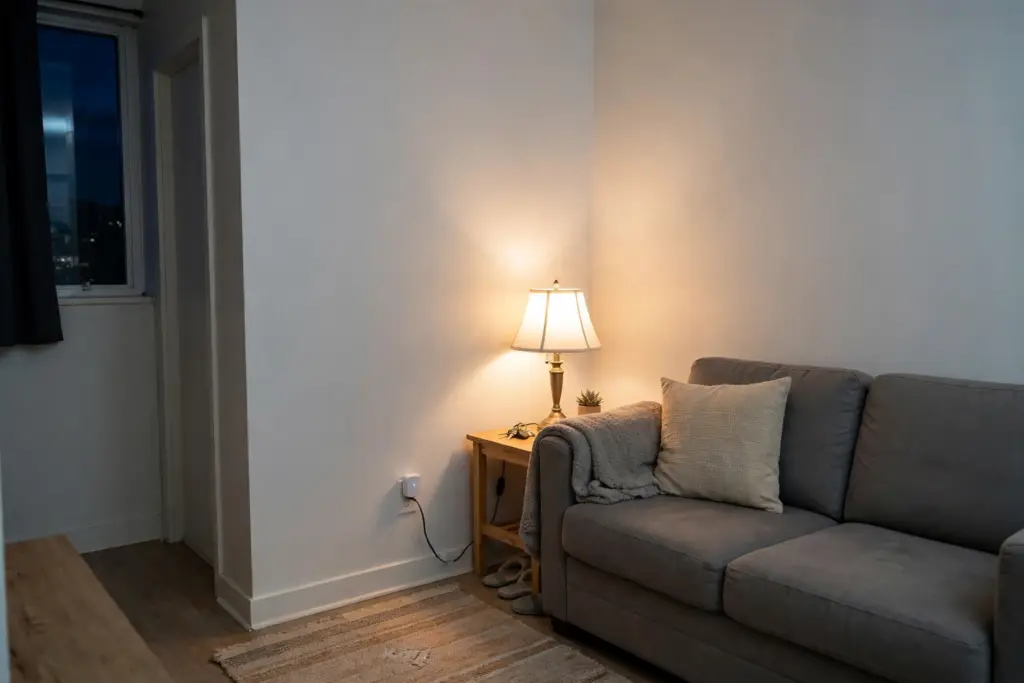
A smart plug is the cheapest, simplest entry point, and the one to buy first. It fits into a regular outlet, and whatever plugs into it — a lamp, a fan, a coffee maker — gains schedules, app control, and voice control without any change to the flat’s wiring. Put the living-room lamp on a plug and it switches itself on at dusk. Put the bedroom lamp on one and it fades up as a morning alarm that does not buzz.
Two cautions keep plugs safe. Use them only within their rated load, and only with appliances whose makers allow plug control — a space heater, for example, should go on a smart plug only where both the plug maker and the heater maker allow it, and a heater should never be left running unattended. Energy-monitoring plugs are a useful variant: they report what a device draws, which makes it easier to spot the appliance quietly eating power overnight.
Smart Bulbs in the Lamps You Own
Smart bulbs are the second purchase, and they screw into the fixtures and lamps the flat already has. Swap the bulb, keep the lamp, and the light gains dimming, warm-to-cool color temperature, and schedules from an app or voice command. Keep the wall switch powered on — the bulb needs power to listen — and use the app, the voice assistant, or a plug-in schedule to control it instead of the switch.
Keep the original bulbs in the labelled box from the rules section, and screw them back in at move-out. One section is all bulbs get here on purpose: lighting design as a system — layers, placement, and dark-room fixes — belongs to these renter friendly lighting ideas, and this guide treats bulbs as one control layer inside the wider system.
Sensors That Watch While You Are Out
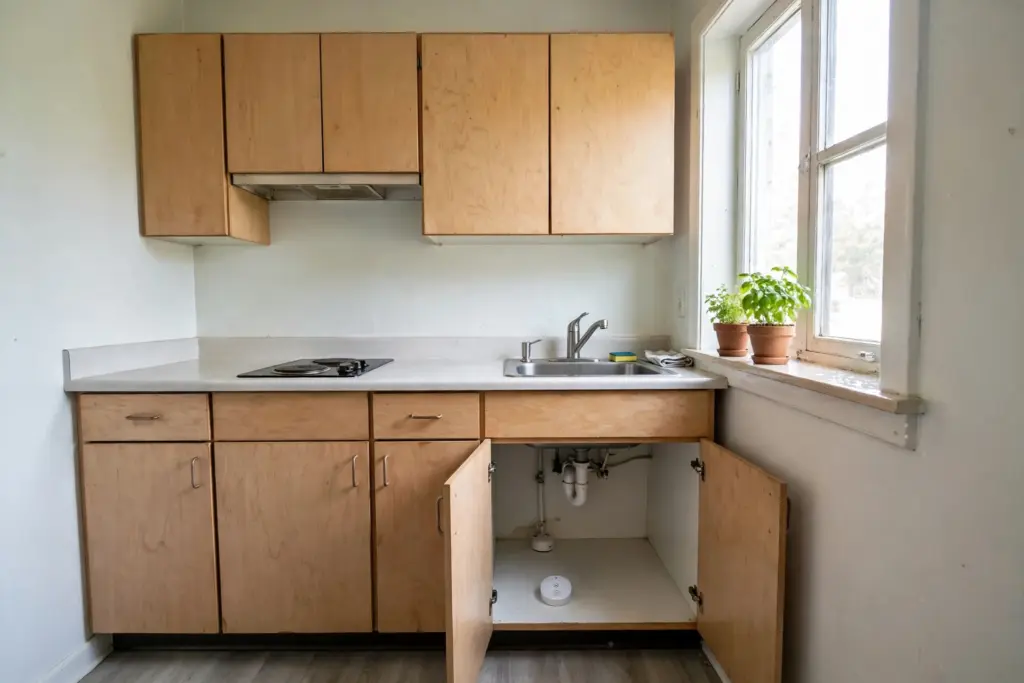
Battery-powered sensors are the quiet workhorses of a rental smart home. A motion sensor by the entry, a contact sensor on a window, and a water-leak sensor under the kitchen sink or beside the washing machine all stick on with adhesive, run for months on a battery, and send a phone alert when something changes. No drilling, no wiring, and nothing to patch at move-out beyond peeling the mount off.
Frame the leak sensor honestly: it is deposit protection, not a repair. An early alert about water under the sink can mean a message to the landlord while the problem is still a damp cloth instead of a damaged cabinet — but the sensor fixes nothing by itself, and a leak still needs reporting promptly. Put sensors where the flat is actually vulnerable — under sinks, beside the washer, at the entry — and skip rooms where an alert would only be noise.
Climate Control Without Touching the Thermostat
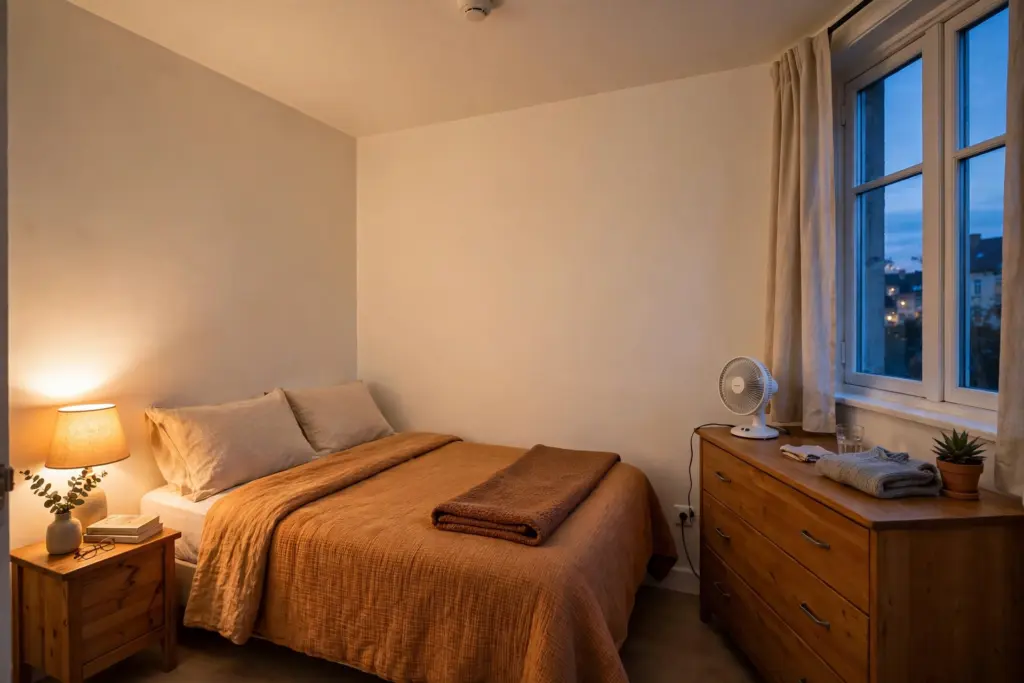
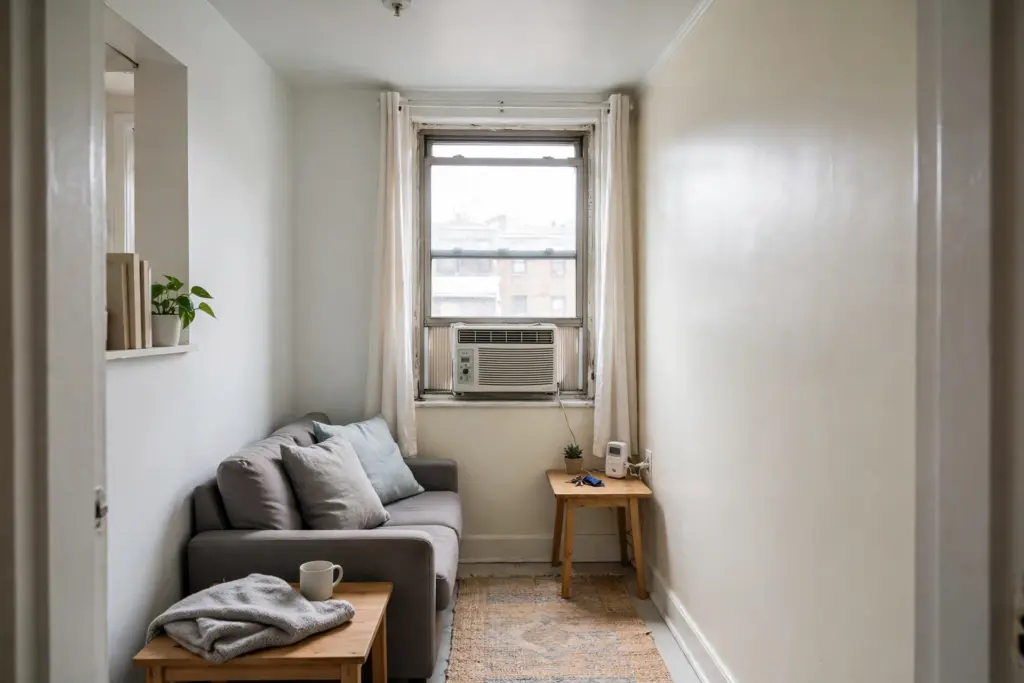
A hardwired thermostat swap is landlord territory in most rentals: it touches the heating wiring and usually needs permission and sometimes a professional. The renter route is plug-in control instead. A plug-in controller for a window air conditioner, a portable unit, or a radiator valve lets schedules and temperature targets work through a device that sits on a table or plugs into an outlet, with no wires changed and nothing to restore.
Match the controller to the unit it will run — window AC, portable AC, or heater — and check that the controller maker lists that type as supported. Set schedules around real occupancy rather than running a unit all day, and keep the original remote and any replaced parts in the labelled box. The comfort gain is real, and the move-out reversal is unplugging one device.
Locks and Cameras: Permission First
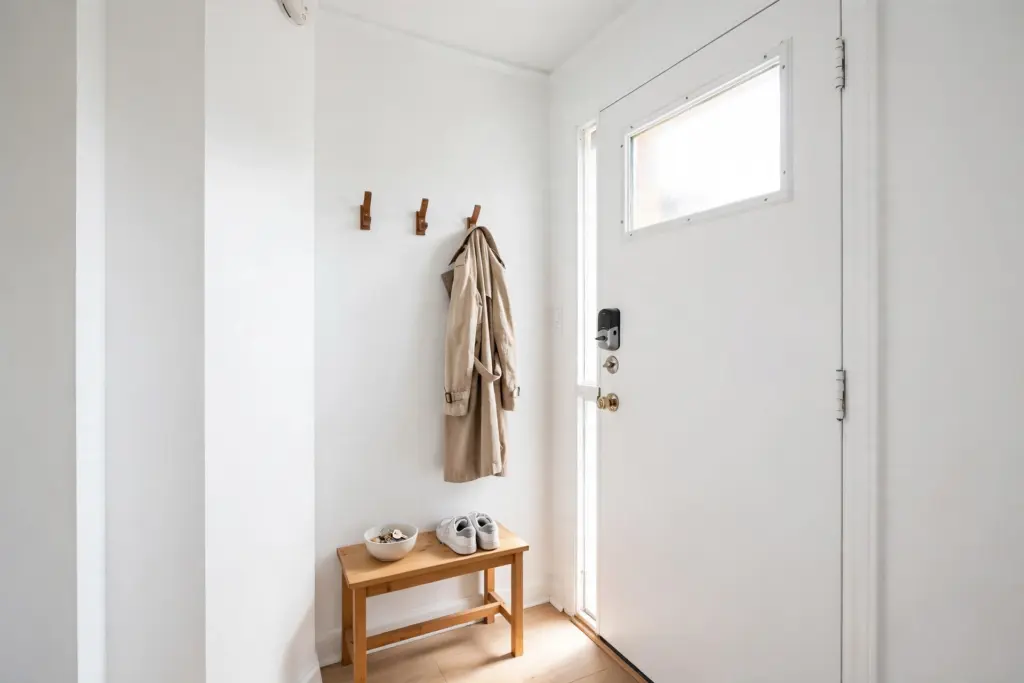
Door hardware is where renters most often overstep, so this section is permission first. A retrofit smart lock fits over the existing deadbolt on the inside of the door: the outside, the key, and the landlord’s hardware all stay exactly as they were, and the unit comes off with the original thumb-turn restored at move-out. A lock that replaces the deadbolt or changes the outside of the door is a different device — ask the landlord in writing before buying one.
Cameras follow the same rule, more strictly. An indoor camera on a shelf or a magnetic mount inside the flat is one thing; a camera facing a hallway, a shared entrance, or the street can breach the lease and local rules about recording other people. Check the lease and the building’s rules before any outward-facing or shared-space camera, and when in doubt, keep cameras inside and pointed at the reader’s own rooms only.
One Ecosystem, Then the Move-Out Checklist
The most common renter smart-home failure is not a bad device — it is five good devices that do not talk to each other. Pick one assistant or app family before buying anything, and check every later purchase against it: one voice command should run the plugs, the bulbs, and the sensors together, or the system becomes five remotes instead of one home. Budget guides for renters make the same sequencing point — Copper Connect’s renter guide starts with smart bulbs and a speaker as the affordable brain of the setup before adding anything else.
Close with the move-out checklist, and run it in order: unplug every plug and controller, peel off every sensor mount, lift off the retrofit lock and restore the original thumb-turn, screw the original bulbs back in, and return every original plate and fitting from the labelled box. Walk the flat once with the checklist in hand. These renter friendly smart home ideas earn their keep twice — once in daily convenience, and once on the day the deposit comes back because the flat looks exactly as it did on day one.
Frequently Asked Questions (FAQ)
What smart home devices are best for renters?
Smart plugs, smart bulbs, battery sensors, a smart speaker, and plug-in climate controllers. All of them install without tools, run on existing outlets or batteries, and reverse fully at move-out.
Can a renter install a smart lock?
A retrofit lock that fits over the existing deadbolt on the inside is the renter-safe option, and it still deserves a lease check first. A lock that replaces the deadbolt or changes the outside of the door needs the landlord’s written permission.
Do smart home devices damage walls or paint?
Plug-in and battery devices do not touch the walls at all. Adhesive mounts are removable but can mark some paints, so test in a hidden spot first and keep the original fittings in a labelled box for move-out.
Should all my smart devices use one app or assistant?
Yes. Pick one assistant or app family before buying anything, and check every later device against it. Mixed systems become separate remotes, while one ecosystem lets a single voice command or schedule run the whole flat.